The Problem
Capturing information from your phone into your automation workflows involves too much friction. Opening Telegram to find a bot, copying and pasting between apps, or filling out web forms designed for desktop… all of that breaks your workflow and causes many ideas to get lost along the way.
I needed a tool that did one thing, but did it well: send voice or text to a webhook in one tap, with no intermediaries.
The Solution
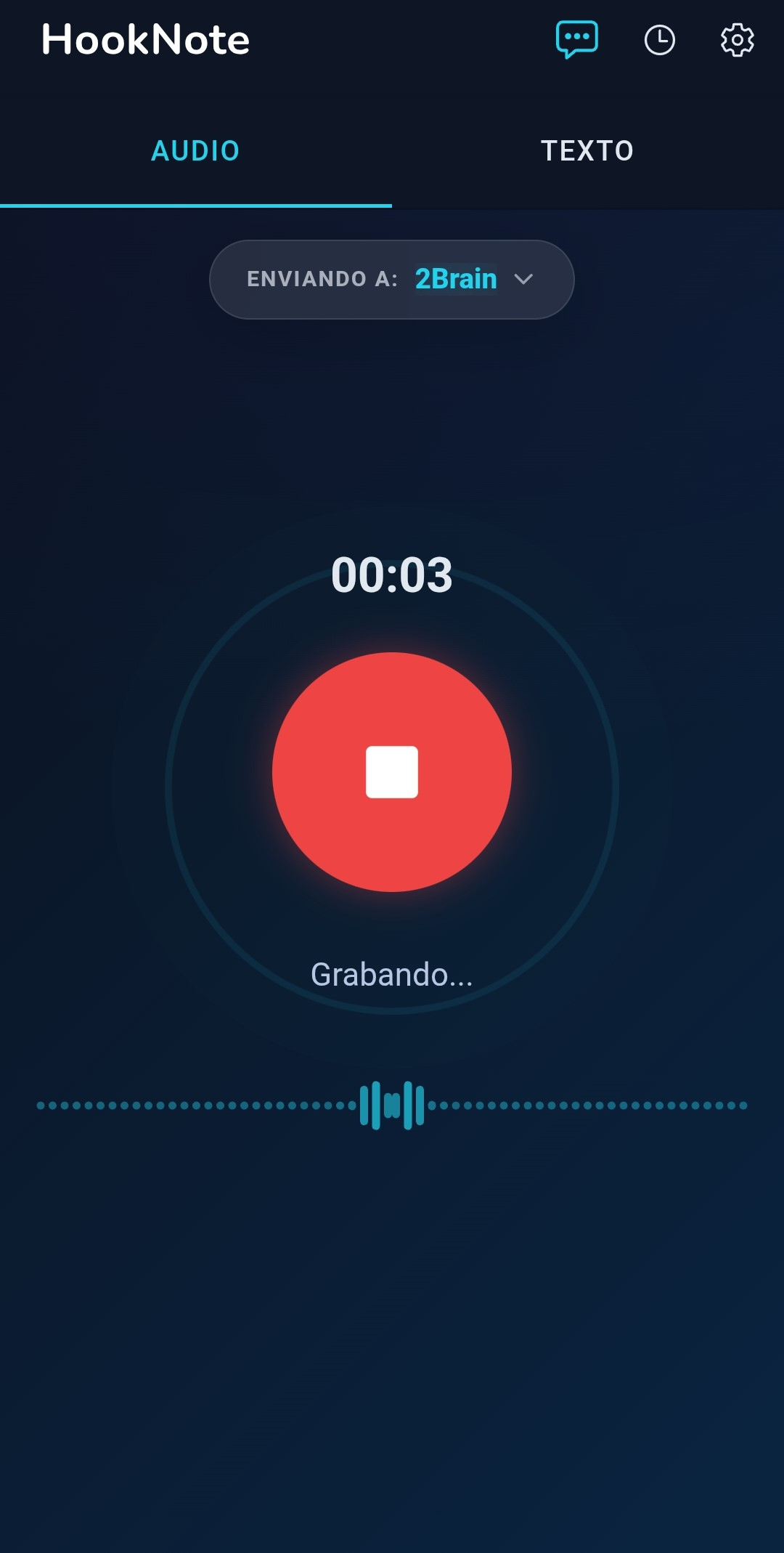
HookNote is a mobile app that connects your voice and ideas directly to your automation flows. No intermediary servers, no accounts, no friction. Open the app, record or type, and the content travels directly to n8n, Make, Zapier, or your own backend.
Stack and Architecture
The app is built with Ionic 8, Angular, and Capacitor, a hybrid stack that allows maintaining a single codebase for all platforms. I chose these technologies because of years of professional experience working with them in large-scale production environments.
- Modular architecture: Angular Standalone Components with lazy-loaded features (
recorder/,settings/,history/), no heavy NgModules. - 100% client-side: There is no proprietary backend. Configuration, history, and credentials are stored exclusively on the device using
localStorage. - Centralized services: Business logic separated into core services (
WebhookSenderService,HistoryService,StorageService) with configurable global constants.
Key Features
- Audio recording with real-time waveform visualizer and delivery in
.webmformat. - Up to 5 webhooks configurable with custom aliases and individual timeout per destination.
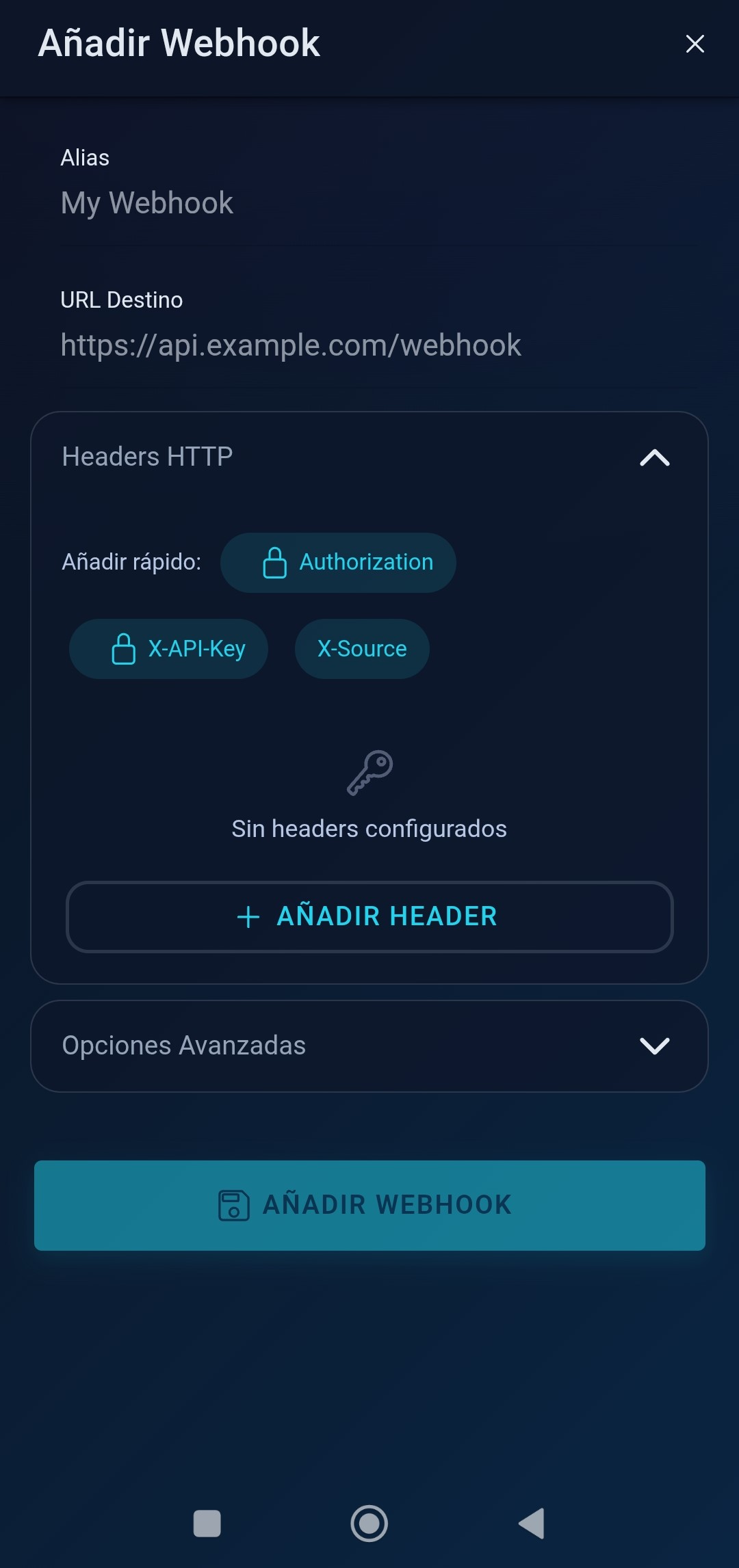
- Custom HTTP headers (
Authorization,X-API-Key, or whatever you need) to secure your endpoints. - Local history of the latest deliveries with the full server response, viewable from the app.
- Full internationalization in Spanish and English.
Product Evolution
HookNote was born as a personal tool to solve my own need to separate automation flows. Its evolution has been organic, driven by real usage:
- MVP with 1 webhook — The first version only allowed sending to a single destination. I quickly needed to separate flows (personal notes, expenses, work tasks), so I expanded it to 5 webhooks with aliases.
- HTTP headers — When exposing public webhooks, I needed a minimum level of security. I added the ability to inject custom headers into each request.
- Server response + configurable timeout — Each automation flow has different timing (an AI transcription takes longer than saving a note). Server response visualization and an adjustable timeout per endpoint were implemented.
Privacy by Design
HookNote’s privacy is not a marketing claim, but an architectural decision:
- No proprietary server: Data travels directly from the phone to the destination the user configures. There is no intermediary server.
- Audio deleted after delivery: Voice recordings are removed from the device once sent. The history records that audio was sent but does not keep the file.
- Credentials stored locally: URLs and HTTP headers are stored exclusively in the device’s
localStorage. - No telemetry: No user content is collected and no voice analysis is performed.
Result
- Complete product from start to finish: From conceptualization and product design to publication on Google Play.
- Cloud-agnostic design: Compatible with n8n, Make, Zapier, IFTTT, and any backend that accepts HTTP POST requests.
- Documented integration protocol: JSON format for text and multipart for audio, with server response visible in the app.
- Active waitlist for iOS.